How to Reduce AI Software Costs in the Current Market
Most teams trying to cut AI costs start by watching their token usage. Wrong place to look. The API bill is visible. It shows up in your cloud dashboard, line-itemed and easy to blame.
The Real Cost of AI Isn't the API Bill. It's the Architecture
Most teams trying to cut AI costs start by watching their token usage. Wrong place to look.
The API bill is visible. It shows up in your cloud dashboard, line-itemed and easy to blame. But in our experience, the actual cost problem sits one layer deeper: in how the system was designed before a single request ever got sent. We've built agents that process 10,000 documents a day for clients, and the difference between a profitable pipeline and a money pit almost never comes down to which model you picked. It comes down to architecture.
Here's the mindset shift that actually matters: stop thinking in cost-per-token and start thinking in cost-per-task.
Cost-per-token is what Anthropic charges you. Cost-per-task is what you actually spend to get a useful output. Those numbers can be wildly different. We had a client running every support ticket through Claude Opus, including the ones that just needed a category label. Expensive model, simple task. We rebuilt the routing layer so Opus only touched the complex cases. Haiku handled the rest. Same output quality. Costs dropped 60% overnight.
IDC research from early 2026 puts average enterprise AI spend at $13.7 million this year, up 78% from 2025. That number is going up. The question is whether you're getting proportional value out of it, or just running an expensive system that nobody has properly stress-tested.
Reducing AI costs does not mean cutting features. It means building systems that don't waste compute on work that doesn't need it.
That distinction, between cutting and designing, is what this post is actually about. If the problem isn't the model, and it isn't the token price, where exactly is the money going? That's what we're going to trace.
Where Your AI Budget Is Actually Leaking (And You Probably Don't See It)
Most AI cost problems aren't visible in your invoice. They're buried in the architecture. Four patterns come up again and again in the systems we audit, and they account for the majority of wasted spend.
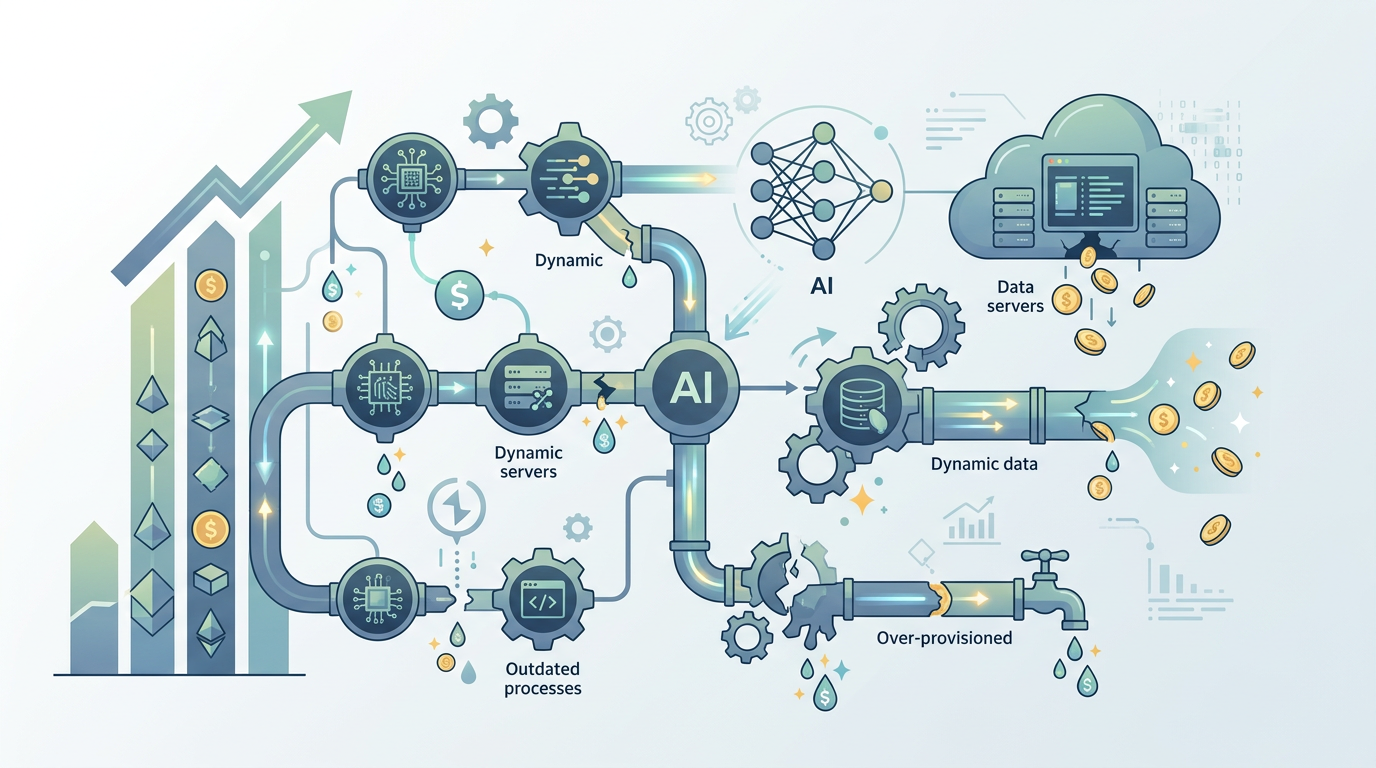
The chatty agent problem.
Surprisingly common. An agent that could answer a question in one LLM call instead makes three or four, because it was built to "think out loud" at every step. We've seen ReAct loops that call Claude five times to do something a single well-structured prompt handles in one. Each extra call costs tokens. At scale, that adds up fast. If your agent is processing a thousand documents a day, the difference between two LLM calls per document and five is the difference between a manageable bill and a conversation with your CFO.
Over-engineered RAG pipelines.
RAG (retrieval-augmented generation) is how you give an LLM access to your documents. Done right, it's powerful. Done wrong, it's expensive and slow. The most common mistake is chunking documents into tiny fragments, embedding all of them, and then retrieving twenty chunks per query to "be safe." We built a pipeline last quarter where the client was embedding the same product catalog every night, even when nothing had changed. Incremental updates cut their embedding costs by 40%. The hard part was convincing them the simpler approach was actually more reliable.
Stateless by default.
Here's what breaks a lot of chat-based agents. Every message restarts from scratch, re-sending the full conversation history to the model every single time. With Claude Sonnet 3.7, that context window isn't free. A ten-message conversation might send 8,000 tokens of history on message ten, even if only the last two messages are relevant. Session summarization, compressing older context into a short summary and keeping only recent turns verbatim, cuts input token usage by 50 to 70% in long conversations. Not a trick. Just basic state management.
Using the wrong model for the job.
Box CEO Aaron Levie made the point recently that AI token consumption is going to spread across entire organisations, not just engineering teams. That's true. It's also a reason to be deliberate about which model touches which task. GPT-4o is overkill for classifying a support ticket into one of eight categories. Claude Haiku handles that fine at a fraction of the cost. The mistake isn't using powerful models. It's using them indiscriminately.
None of these are exotic problems. They show up in almost every system we audit.
Notice what they have in common: none of them require cutting features. They're all design problems, which means they have design solutions. That's exactly what the next section covers.
The Three Pillars of Cost-Effective AI: Caching, Routing, and Specialization
Three architectural choices account for most of the cost reductions we've actually shipped in production. Not theoretical savings. Real ones, measured in API invoices. Each maps directly to a leak pattern from the previous section.
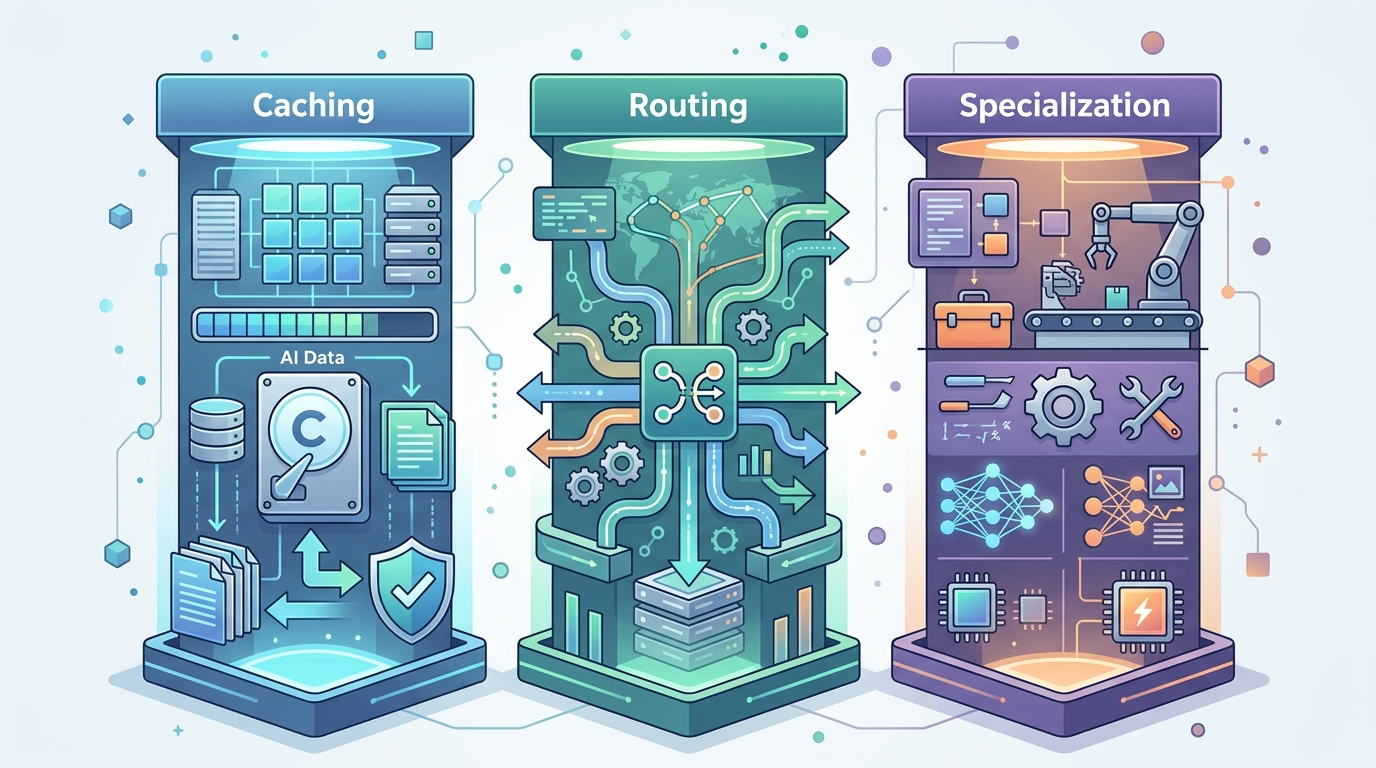
Semantic caching. The short answer: if your agent answers the same question twice, you've paid twice for one answer. Semantic caching fixes that by storing responses against their meaning, not just their exact text. So "what's your refund policy?" and "how do I get a refund?" hit the same cached response. We use GPTCache for this, paired with a cosine similarity threshold around 0.92. Below that threshold, you send to the model. Above it, you return the cache. In a document Q&A deployment we ran for a logistics client last quarter, roughly 40% of incoming queries were semantically similar to something already answered. That 40% cost almost nothing to serve.
The hard part was tuning the similarity threshold. Too low and you return wrong answers. Too high and you cache almost nothing.
Semantic caching works best on high-volume, narrow-domain systems. If your users ask wildly different things every time, the cache hit rate drops and the benefit shrinks. Know your use case before you build it.
Intelligent routing. This is the one that moves the needle most, in my experience, and it's the direct fix for the "wrong model for the job" problem flagged earlier.
The idea is simple: not every task needs your most expensive model. Build a lightweight classifier that reads the incoming request and decides which model handles it. A two-step router. Step one is a small, fast model (Claude Haiku, GPT-4o mini) that categorises the task. Step two sends it to the appropriate model based on that category. Simple factual lookups go to the cheap tier. Complex reasoning, synthesis, or anything touching legal or financial content goes to the expensive tier.
We built exactly this for a client's customer support agent. Before routing, every query hit Claude Sonnet. After we wired up a Haiku-based classifier in front, about 65% of queries got handled entirely at the cheaper tier. Total cost dropped by 70%. Output quality on the complex queries actually improved, because Sonnet wasn't being distracted by trivial requests. The classifier itself costs fractions of a cent per call. The maths works.
The bottleneck is classification accuracy. If your router misclassifies a complex query as simple, you get a bad answer. We target 95%+ accuracy on the classifier before going live, and we log every routing decision for the first two weeks to catch systematic errors.
Specialized micro-agents. One giant agent doing everything is expensive and fragile. It carries a large system prompt, needs broad context, and gets confused when tasks conflict. The alternative is a team of small agents, each built for one job.
Think of it like hiring generalists versus specialists. A single generalist handling contracts, scheduling, and financial analysis needs to know everything. Three specialists, each with a focused prompt and relevant tools, are cheaper to run and easier to debug. Smaller system prompts mean fewer input tokens per request. Focused context means fewer reasoning errors, which means fewer retries.
HR executives at a recent Business Insider roundtable flagged rising AI costs as a top concern, specifically because usage is spreading faster than governance. That's a symptom of monolithic agent design. When one agent does everything, every new use case adds cost and complexity to the same system. Micro-agents let you scale individual functions independently and shut down the ones that aren't earning their keep.
We've deployed multi-agent systems processing over 3,000 documents a day at under $0.004 per document. That figure would be three to four times higher with a single generalist agent. The architecture is more complex to build. It earns that complexity.
These three pillars, caching, routing, specialization, aren't abstract principles. In the next section, you can see exactly how they fit together in a single rebuild.
A Practical Blueprint: Re-Architecting a Customer Support Agent
Take a customer support agent we rebuilt for a SaaS client last quarter. The original setup was a single Claude Opus 3 agent handling every inbound query: password resets, billing disputes, technical bugs, refund requests. All of it hitting the same model, with the same massive system prompt, at roughly $0.018 per request. Every one of the leak patterns from earlier, in one system.
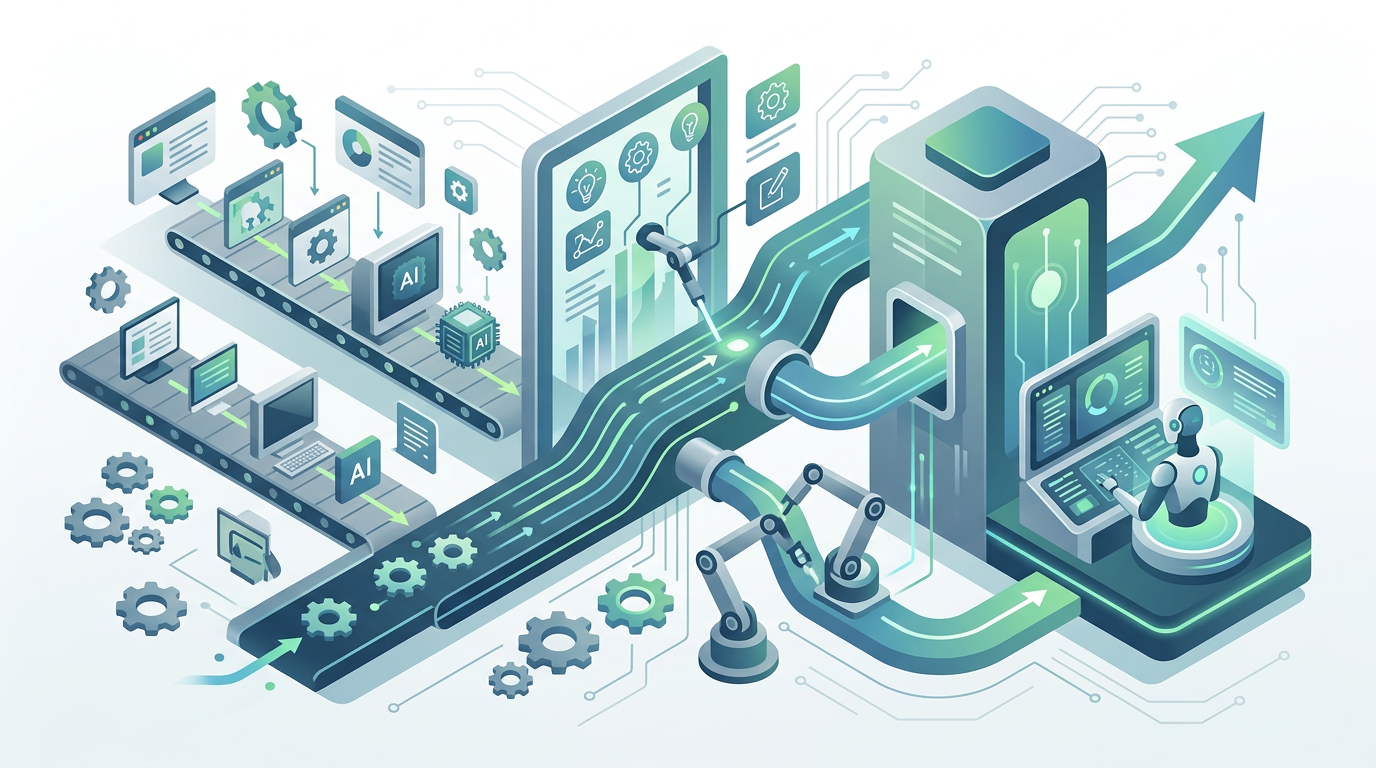
That adds up fast.
At 4,000 queries a day, they were spending around $2,600 a month on API costs alone. Not terrible for a funded startup. But about 60% of those queries were FAQs, things like "how do I reset my password" or "where's my invoice." Opus was answering questions a cached string could handle.
Here's what the rebuilt architecture looks like.
Step one: a classifier up front. We added a lightweight Claude Haiku classifier as the entry point. Its only job is to categorise each incoming query into one of four buckets: FAQ, simple transactional, complex support, and escalation. Haiku costs roughly $0.00025 per 1K input tokens. The classification call costs almost nothing. That single routing step is where most of the savings come from.
Step two: a cache layer for FAQs. The top 40 questions in this client's support queue were static. Exact answers, no reasoning required. We built a simple semantic cache using embeddings (text-embedding-3-small, if you want the specifics) so that similar questions hit a pre-generated answer rather than a live model call. Around 58% of daily volume now costs essentially zero in model spend.
Step three: tiered model routing. Simple transactional queries, order status, account lookups, go to Haiku with a short, focused prompt. Complex issues, billing disputes, multi-step technical problems, go to Claude Sonnet 3.7. Opus is reserved for genuine edge cases. We haven't needed it for more than 3% of volume since rollout.
Step four: a specialist escalation agent. For anything flagged as sensitive, we wired up a separate agent with access to the CRM, billing tools, and a longer context window. It runs more expensive calls, but on a small slice of traffic. The cost is justified because those are the queries that actually churn customers if handled badly.
The before/after numbers:
| Component | Before | After |
|---|---|---|
| Model | Claude Opus 3 (all queries) | Haiku / Sonnet 3.7 / cache |
| Cost per request | ~$0.018 | ~$0.004 |
| Monthly API spend | ~$2,600 | ~$580 |
| Response quality (CSAT) | 3.8/5 | 4.3/5 |
That last row is the part clients don't expect. Quality went up. Because Sonnet with a focused prompt and clean context window outperforms Opus with a bloated one.
Honestly, the hard part wasn't the AI. It was mapping the client's actual query taxonomy before we built anything. That took three days of conversation and log analysis.
The contrarian read: this architecture is more complex than a single agent. More components, more failure points, more to monitor. Anyone who says otherwise is selling you something. The complexity is real. But it's complexity you control. A monolithic Opus agent that does everything is also complex, just invisibly so, buried in a prompt nobody can maintain and costs nobody can predict.
BespokeWorks approaches redesigns like this by starting with cost-per-query analysis before touching any code. The ROI calculation has to make sense on paper first. If you're running a support agent and haven't mapped your query distribution, that's the first thing to do. Everything else follows from that. Our custom AI development services are built around this principle of architecture-first efficiency.
Once the architecture is right, the next question is how you keep it right. Models change, pricing changes, and a system that's efficient today can quietly become expensive by next quarter.
The Tools and Metrics You Need to Keep Costs in Check
Stop tracking tokens. Seriously.
Token counts tell you what you spent. They don't tell you whether you got anything for it. The metric that actually matters is cost per resolved ticket, cost per document analysed, cost per lead qualified. Whatever your agent is doing, tie the cost to the outcome. If you can't do that, you don't have a cost problem yet. You have a measurement problem.
We built a simple Google Sheets dashboard for one client last quarter. It pulled spend from the Anthropic API, divided it by tickets closed (from Zendesk via a basic webhook), and updated daily. Not fancy. Took about four hours to wire up. But it immediately showed that their escalation rate was eating 40% of their token budget on queries the agent was failing anyway. That's where the money was going. No dashboard, no visibility. No visibility, no fix.
HR executives at a Business Insider roundtable in March 2026 flagged exactly this: AI costs rising without clear ROI. The problem isn't spending. It's spending without instrumentation.
Most teams get model evaluation wrong. They benchmark once at build time and never revisit. Models change. Pricing changes. A model that was the right call in Q4 might be 30% more expensive than a comparable alternative today. We run a lightweight evaluation every eight weeks, not a full benchmark suite, just ten representative tasks pulled from production logs, scored against our quality rubric, with costs calculated per task. Takes about two hours. We've switched models twice in the last year based on this process. Once to save cost, once because a newer model outperformed on our specific workload.
Look, the checklist for non-technical stakeholders is short. Is output quality holding steady? Is cost per resolved unit trending up? Has the model provider changed pricing in the last 90 days? Are there newer models in the same price tier you haven't tested?
If any of those answers move the wrong way, it's time to look under the hood.
Cost-aware development sprints are the last piece. Before any new feature gets built, we estimate its token cost at production volume. Not after. Before. Ten minutes of back-of-envelope maths kills a surprising number of bad ideas early. Which is exactly where bad ideas should die.
The goal isn't a cheaper system. It's a system where you know what you're paying for, and where the architecture you built in the previous sections keeps earning its keep over time. If you're unsure where your AI spend is going, our Instant Analysis can pinpoint the leaks.
Sustainable AI Isn't About Spending Less. It's About Spending Smart
Spending smart means maximising value per dollar, not minimising usage. Those are different goals. One makes your system better over time. The other makes it brittle.
We've seen this before. Teams cut model quality to save cost, output degrades, users stop trusting the tool, and the whole thing gets shut down six months later. The most expensive AI system is the one you have to turn off because nobody budgeted for production reality. That's the failure mode the entire architecture in this post is designed to avoid.
OpenAI learned this the hard way in early 2026, consolidating ChatGPT, Codex, and its browser product after spreading resources too thin. Even the biggest players are working out that focus beats sprawl. The same principle applies at the architecture level.
Remember the support agent rebuild from earlier? Cost per request dropped from $0.018 to $0.004, and CSAT went up. That's not a cost-cutting story. That's a design story.
The cheaper system was better because it was more focused. Each component doing one job well, rather than one component doing everything badly. Build for value per unit processed. Know your cost per resolved task. Test newer models before you need to. The teams doing this right now are not spending less. They're spending on the things that actually move the needle, and cutting everything that doesn't. This matters especially in sectors like finance where automation ROI is directly measurable.
That's the only architecture worth building. If you're ready to audit your own AI spend, schedule a strategy call to discuss a blueprint.