
Free demo
Industry guide
The government's accessibility monitoring figures, and five public sector standards with what checks each one now.
Download the public sector guide (PDF, 13 pages)Working demo
Change a layout and its materials, and watch the estimate and the team view follow.
Open the Product configurator demoWorking demo
Raise a resident request, then triage it as the coordinator from the same record.
Open the Service Desk demoIn many organisations the accessibility statement is written before the testing it is supposed to summarise.
What we do
Put each customer request straight into the system your team works from.
If a customer fills in your web form and someone then re-keys it into your housing, case or order system, the form has moved the work rather than removed it. If the customer cannot see what happened next, they phone to ask, and the call lands on the team the form was meant to relieve.
We build portals, booking flows, configurators and payment journeys that write each submission into the system behind them through its API, and bring its status back to the customer by API or webhook. We build to WCAG 2.2 AA and test each release with automated checks, a keyboard, a screen reader and 400% zoom.
Where a target system has no usable interface, we say so before the build starts and set out the fallback.
Accessibility, in the government's own figures
The monitoring figures cover UK public sector websites and apps monitored by the Government Digital Service between 1 January 2022 and 1 September 2024, tested against WCAG 2.1. Simplified tests cover only parts of WCAG on a small number of pages and, in the report's words, do not show every accessibility issue. The 97% and 65% are measured after the monitoring process, which normally gives each organisation 12 weeks to fix what was found. The Family Resources Survey is a survey of a sample of private households, and its disability estimates are not age-standardised.
Customer-facing products, each connected to your systems
Five products we build and one review we run. Each product writes to a system your team already uses, and each is built and tested to WCAG 2.2 AA.
Customer and resident portals
Give customers one place to report, request, track and pay. Write each submission into your case, housing or CRM system as a record your team already works from, show its status in the customer's account, and hold a request for a person when a required detail is missing.
Includes
- Sign-in by email link or passkey (WebAuthn), with a guest route for one-off requests
- Status tracking from submitted to closed, visible to the customer
- Document and photo upload attached to the record
- Records written to your case, housing or CRM system through its API
- Analytics on abandoned steps, set up following the ICO's guidance on storage and access technologies under PECR
Online booking and enquiries
Take bookings, waitlists and event enquiries against live availability, and put them on the same plan your staff run the day from. Send confirmations and reminders by email and text, and apply your own cancellation and deposit rules.
Includes
- Availability rules for tables, rooms, time slots or staff, with overrides for your team
- Waitlist offers when a slot opens up, with the reason shown
- Deposits and cancellation terms taken through your payment provider
- Calendar invitations in the iCalendar standard, and reminders by email and text
- A staff service view and a manager's view of the day
Product configurators and quote builders
Let buyers configure a product, see an estimate and request a sample, survey or quote. Pass the complete specification to the team that makes or fits it, and hold combinations that need checking for a person to review.
Includes
- Pricing and compatibility rules your team can edit
- A visual preview that changes with each choice
- A saved configuration and reference with every enquiry
- Appointment or sample requests attached to the specification
- The specification sent to your CRM or order system
Payments and billing
Take card and Direct Debit payments through an established payment provider's hosted pages, so card numbers go to the provider and not through your portal's servers. Reconcile each payment, refund and receipt to the record and to your finance system. Your acquirer confirms which PCI DSS self-assessment applies to you.
Includes
- Hosted checkout, or hosted fields served from the provider's own frames, designed to qualify for SAQ A under PCI DSS
- Strong Customer Authentication through 3-D Secure
- Direct Debit mandates, with the Direct Debit Guarantee shown to the payer
- Refunds, receipts and part-payments on the same record
- Payment events received by webhook and reconciled to your finance system
Accessibility build and review
Build new services to WCAG 2.2 AA, or review an existing site or portal against it. Test each release with automated checks, a keyboard-only pass, a screen reader and 400% zoom, and write the accessibility statement from what the tests found. A statement records what was tested and what is outstanding: it is not a certificate.
Includes
- Automated accessibility checks run on every build
- Keyboard-only and screen-reader passes on each key journey
- Reflow at 320 CSS pixels and text resized to 200%
- An accessibility statement on the GOV.UK model, for public bodies under the 2018 Regulations
- A ranked fix list for an existing site, with the five criteria behind 55% of the government's simplified-test findings checked first
Notifications and status updates
Tell people what happened to their request, booking or order by email and text when its status changes in your system. Keep service messages apart from marketing, which has its own rules under PECR, and record what was sent and the delivery status each channel reports.
Includes
- Message templates your team can edit
- Status changes in your system sent as email or text
- Delivery and failure tracking on the record
- Sending through a government service such as GOV.UK Notify, where your organisation is eligible to use it
- Opt-out handling and a record of each person's contact preferences
What you get
What customers and staff both get
- Nobody re-keys a request, booking or order, wherever the portal can write it into your case, housing or CRM system through its API.
- Customers see where their request stands, in their account, by email or by text, when its status changes in your system.
- Publish a service built and tested to WCAG 2.2 AA, with an accessibility statement that records what was tested and what is still outstanding.
Check it yourself
Ten questions to ask of your own site
The first five come from the WCAG success criteria behind 55% of the issues in the government's simplified tests. The next four come from criteria added in WCAG 2.2, which the monitoring has used since October 2024. Answer them on your own sign-in, booking and payment pages.
0 of 10 in place
Nothing you tick is sent anywhere. It stays in this page.
These ten cover a small share of the success criteria in WCAG 2.2 AA. Only a full audit tests them all, so the answers are a starting point, not a conformance claim.
How it runs
From journey to handover
- 01
Journey and first release
Map what the customer is trying to do, where the current route sends them to the phone, and which record each submission must create. Agree a first release narrow enough to test with real requests.
- 02
Interface and states
Design the screens in your brand, including the empty, partial, error and held states, and say on each one what happens next. Build to WCAG 2.2 AA from the first screen rather than as a later correction.
- 03
Connection to your systems
Write submissions to your case, housing, CRM or finance system through its API, and bring status back by API or webhook. Agree what the portal does when a system is unavailable, and say where a system without an API limits what can be automated.
- 04
Testing with people and tools
Run automated checks, keyboard-only and screen-reader passes and 400% zoom on each key journey. Put the service in front of people who are not close to the project, and fix what they stumble over.
- 05
Launch and handover
Publish the accessibility statement, put in place the privacy and cookie notices your advisers have signed off, set up analytics following the ICO's guidance under PECR, and hand over the documentation and admin access your team needs to run the service.
Read and try
Read the research. Open the demo.
Industry guide
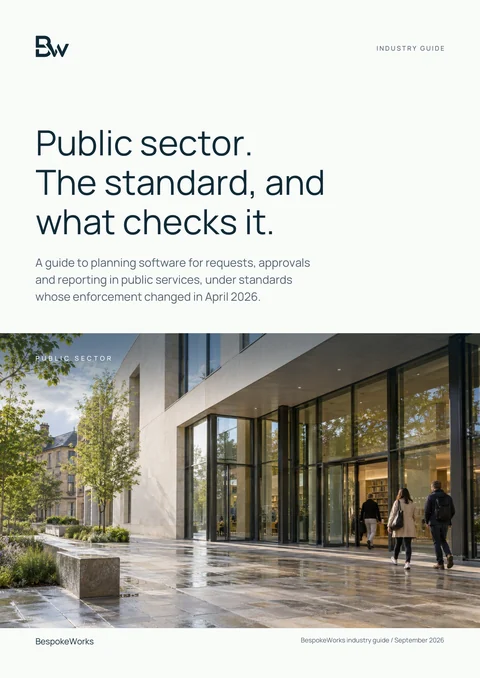
Public sector: a practical technology guide
It holds the government's accessibility monitoring figures and the 'Five standards, and their teeth' table, which sets out the accessibility duty behind building public-facing services to WCAG 2.2 AA and what checks it.
Download the public sector guide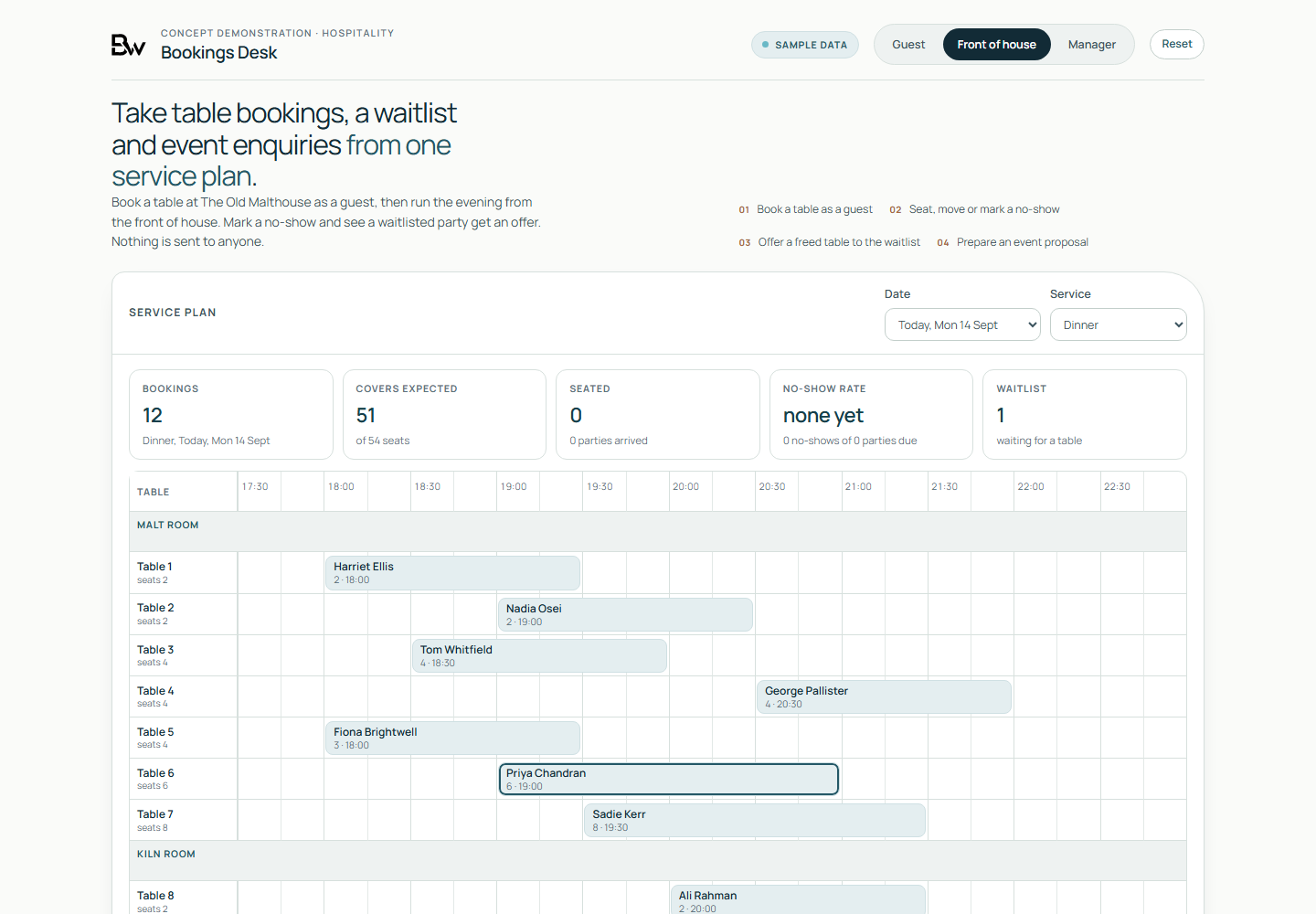
Working demo, on sample data
- A guest booking a table: when no table fits, the page offers nearby times or the waitlist.
- A no-show marked at the front of house, and the released table offered to a waitlisted party with the reason shown.
- A draft event proposal prepared by the manager and held for a person to review, on sample data with nothing sent.
Worth asking first
- Where do customers phone you today instead of serving themselves, and what are they calling to find out?
- What does someone re-key by hand after a customer submits a form, makes a booking or pays?
- Which systems would each submission need to reach, and does each one have an API you are allowed to use?
- Can every step of your current journey, including sign-in and payment, be completed with a keyboard alone?
- Which step in the current journey loses the most people, and how do you know?
Talk to us if
- Your web form arrives as an email that someone copies into the case, housing or order system.
- Customers phone to ask where their repair, order or booking has got to.
- Your booking tool cannot apply your own rules for deposits, table sizes, waitlists or staff availability.
- Buyers email sketches and option lists because your website cannot price a configured product.
- Card details pass through a page on your own server, and nobody has written down your PCI DSS scope.
- You are a public body and your accessibility statement does not say what was tested or when it was last reviewed.
Questions
Questions buyers ask
Will you certify that our site is accessible?
No. We build and test to WCAG 2.2 AA and write down what we tested and how. The accessibility statement lists what passed and any known issues, such as a third-party component we could not change. A statement describes the service; it is not a certificate.
What if our case or housing system has no API?
Then a submission cannot be written into it directly, and we say so before the build starts. The fallbacks, in order of preference, are a supported import file, a structured email the system can read, or a queue in the portal that your team works from. With each one the portal still shows the customer a status, which your team updates where the system cannot send it back. None of them removes every manual step.
Who holds the card details?
The payment provider does. We use the provider's hosted checkout or hosted fields, so card numbers do not pass through the portal's servers. Your acquirer decides which PCI DSS self-assessment questionnaire applies, and we document the design so that you can complete it.
Do we need consent for analytics on the portal?
It depends on what the analytics does. Under PECR, as amended by the Data (Use and Access) Act 2025, analytics that only collects statistics about how the service is used, to improve it, can run without consent if people are given clear information and a simple way to object. Tracking individuals, advertising measurement and profiling still need consent. We set it up following the ICO's guidance on storage and access technologies, and your advisers sign off the cookie and privacy notices.
Will it be an app in the app stores?
We build for the web first: a responsive web application that works in a phone's browser and can be added to the home screen as a progressive web app. An app store release adds store review, update and device testing costs, so we treat it as a separate decision once the web version shows what people use.
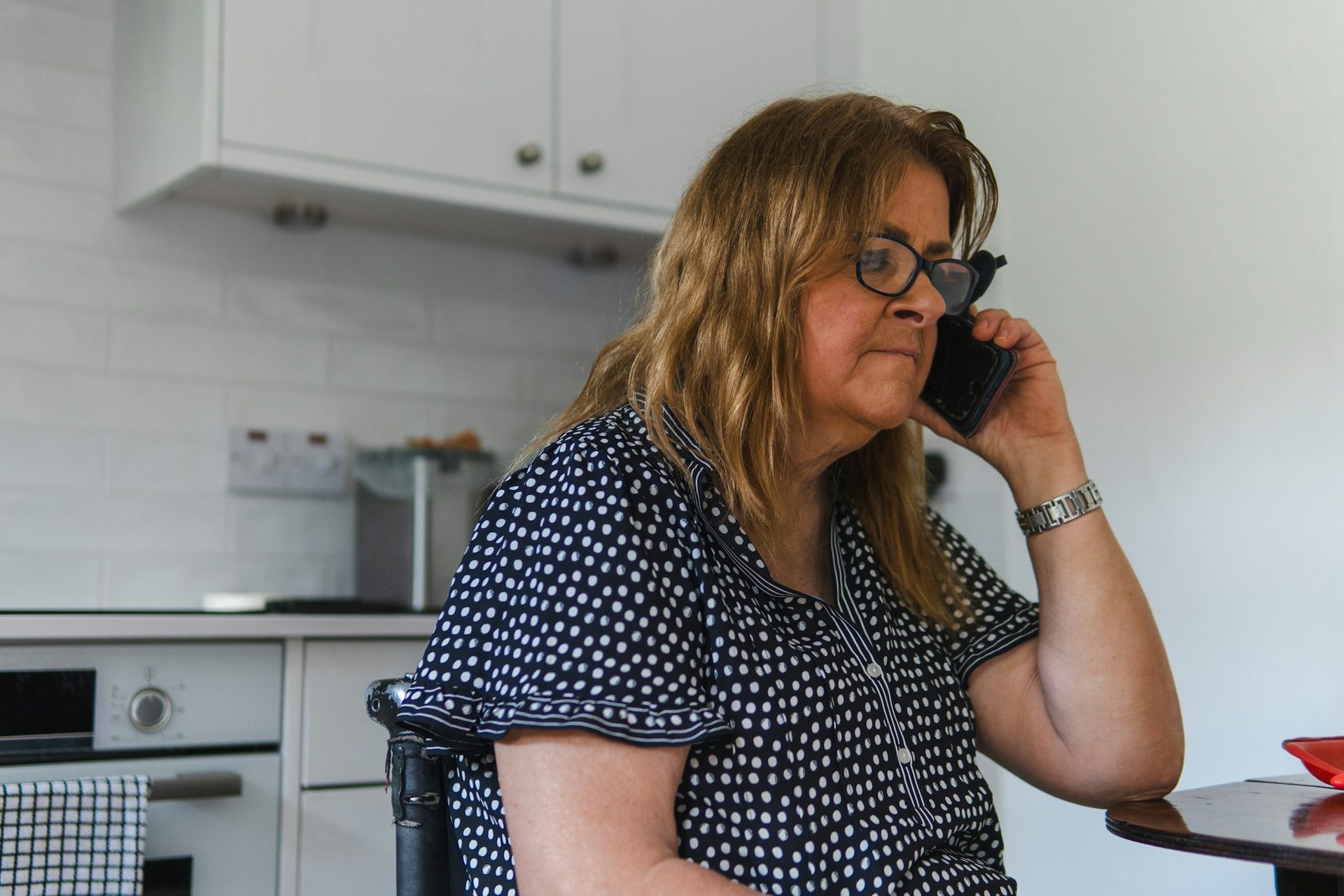
Your customers should not have to phone to ask.
Name the request, booking or order your customers should be able to complete online. The working demo shows that journey on sample data, beside the record it would create for your team.
Request a customer journey demo