

Free demo
Software built around your operations
Every build starts from a single workflow, proven as a working demo, then designed, built and tested against your own systems and data.
See it working
Four kinds of system, each one working.
The work we build most often, each shown as a working demo on sample data. Choose one, then open the demo and use it.
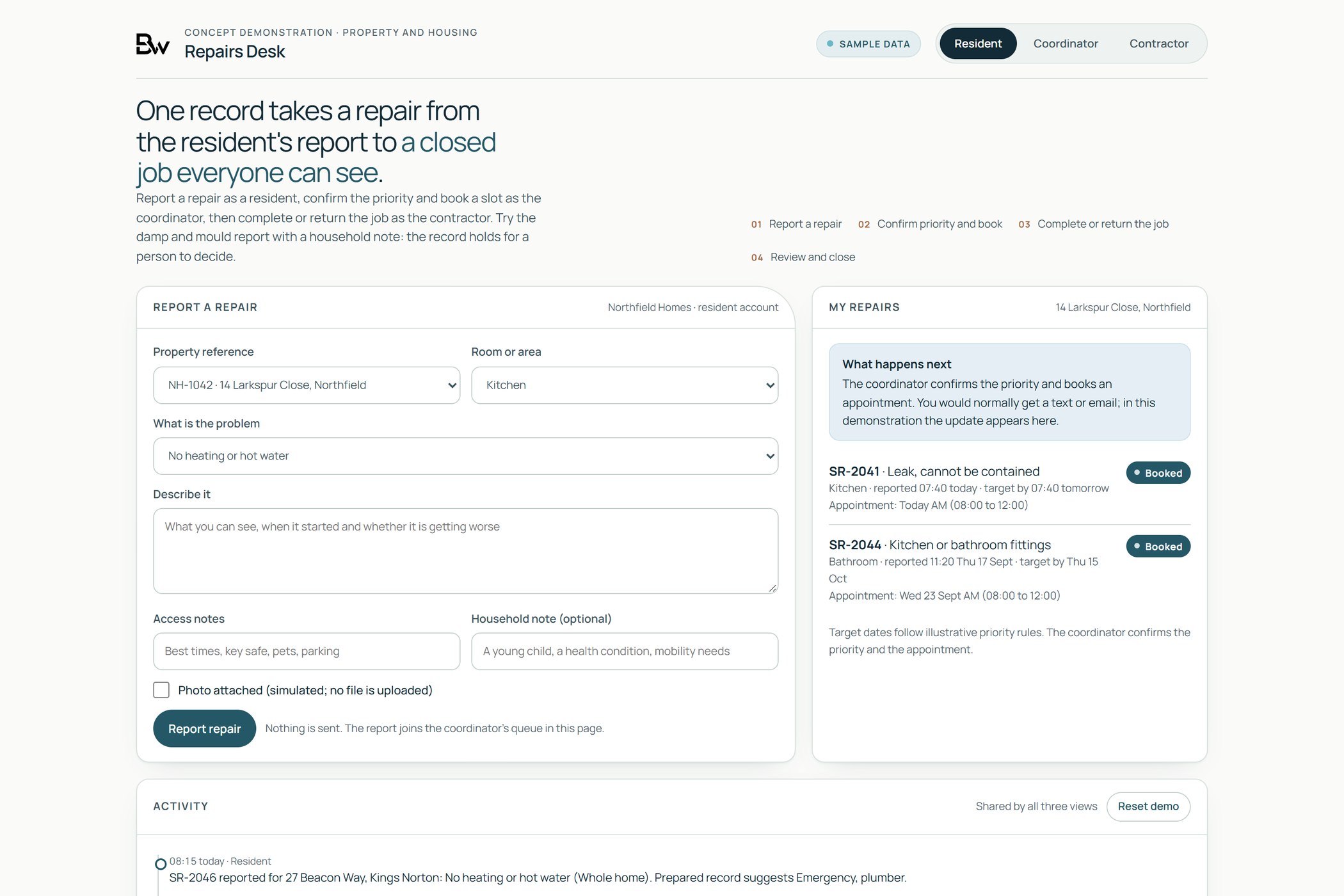
Run the operation
One record, from the first report to the finished job.
Replace the spreadsheet and the shared inbox with one system the whole process runs through: who reported it, who owns it, what is due and what was done.
- Case, job and request management
- Scheduling, approvals and internal tools
- Built around your process, in accounts you own
Yours from the first release
Your code.Your accounts.Your roadmap.
How every build is set up
What you own
Built so you are never locked in.
The code sits in your repository and the system runs in your cloud account from the first release. If you ever want another supplier or your own team to take it on, everything they need is already there.
- Source code in your own repository
- The system running in your own cloud account
- Automated tests, and a staging copy to check each cycle
- Backups from day one, and a restore tested before go-live
- Documentation and a handover another team could pick up
Ownership, licences and support are set out in the agreement for each project.
See ongoing development and supportCapabilities
What we build
Commission one capability or combine them. Each one starts from a real workflow.
Bespoke business software
Replace the spreadsheet and shared inbox that run a process with one system built around it, in accounts you own.
See bespoke business softwareBrand & product design
Shape the identity, then carry it into the website, the product and the templates your team uses, with the files and licences handed over.
See brand & product designCustomer portals & digital products
Build the portals, booking flows, configurators and payment journeys your customers use, and connect each one to the systems your team works from.
See customer portals & digital productsIntegrations & automation
Connect the systems you already license through the most stable interface each one offers, take out the re-keying between them, and make each connection report its own failures.
See integrations & automationAI-enabled software
Build AI into the systems your team already uses, with the source beside every answer and a named person approving what goes out.
See AI-enabled softwareOngoing development
Take on, update and extend the software your organisation runs on, from the first takeover review to each security fix and restore test.
See ongoing developmentWhere development starts
Validate the software before it is built
Development starts with a free demo of one workflow. We build a clickable version with sample data so you can test the idea, see who does what and decide what the real system needs to do. It is a demo, not the finished product, and not free production development: the real system is scoped, designed, built and tested with you afterwards.
Tell us about one workflow
A short call or message: what happens today, who is involved and where it gets stuck.
We build a working demo
A small, clickable version of that workflow with sample data, shaped around the way your organisation works.
Walk through it together
We show you the demo, you challenge it, and we agree whether and how to take it further.
An example demo
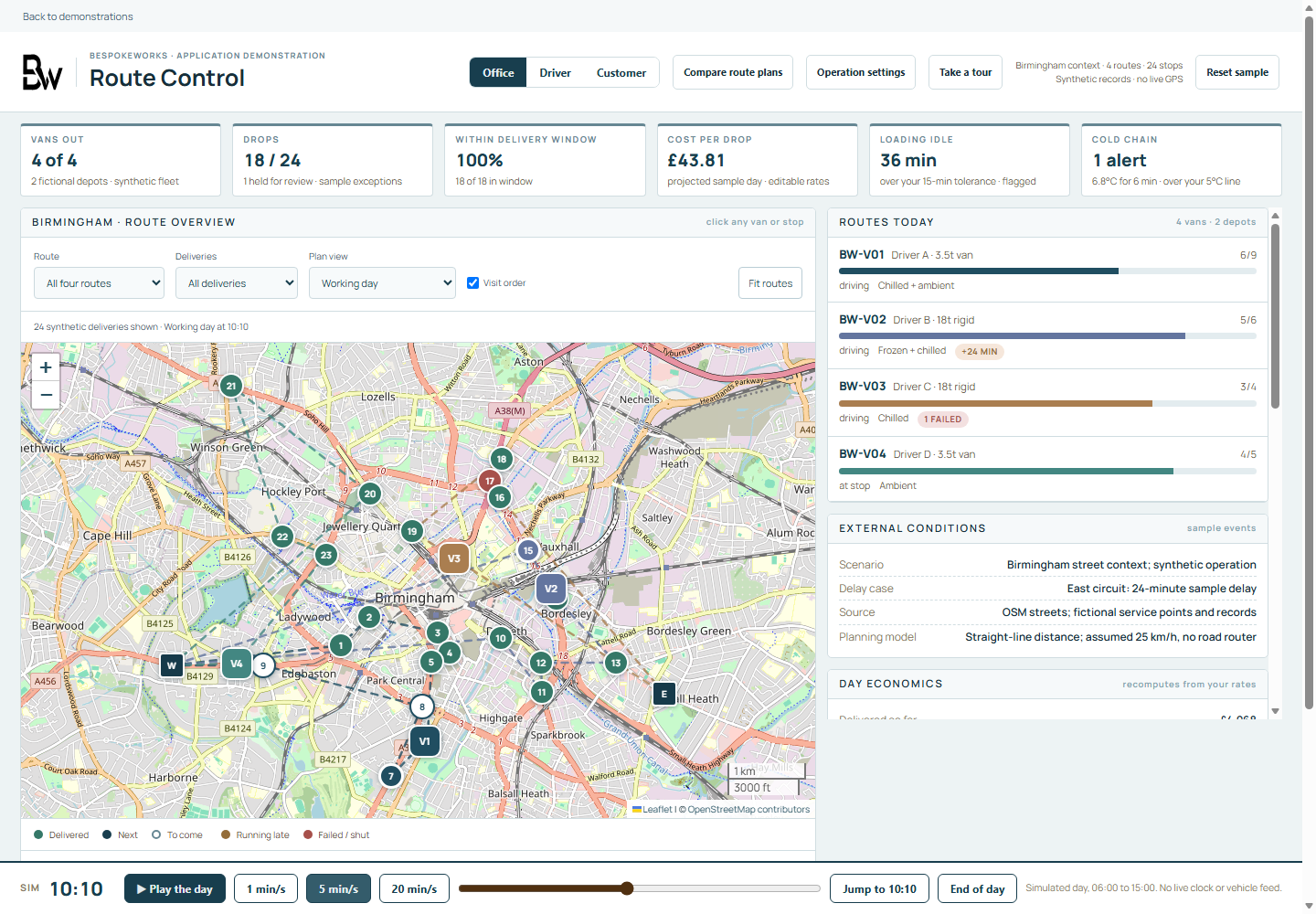
Demo · Connected operations
Route Control
A connected operating workspace for route planning, delivery capture and customer tracking. Change the plan and follow the same delivery across Office, Driver and Customer views.
- Office
- Driver
- Customer
Route Control is one of our demos. Yours would be built around your own process.
After the demo: how a development project runs.
Integration that preserves context
An illustrative arrangement for a workflow that sits alongside the systems an organisation already uses.
Established systems
- Records and documents
- Identity and permissions
- Existing business tools
Keep an agreed source for each piece of information.
A shared workflow
Bring the relevant context into a record that people can review.
Source reference · Visible status · Change history
People and decisions
- Review the prepared record
- Resolve missing information
- Approve the next action
Make responsibility explicit before a record moves on.
Agreed updates return to the right system. Unresolved work stays visible.
From a working problem to working software
Define the working problem
Map the task, the people involved and the systems it touches. Agree what needs to change, what should remain, and how the team will judge the result.
Build and review
Develop the agreed workflow in manageable increments. Review it with the people who will use it, test the important handoffs and make decisions about scope visible.
Prepare for everyday use
Agree acceptance, deployment and documentation, then plan the handover. Make ownership, operating responsibilities and any ongoing support or future development explicit.
Guides and research
Publications
Reports, sector guides and short briefs from BespokeWorks, with every figure traced to its source.
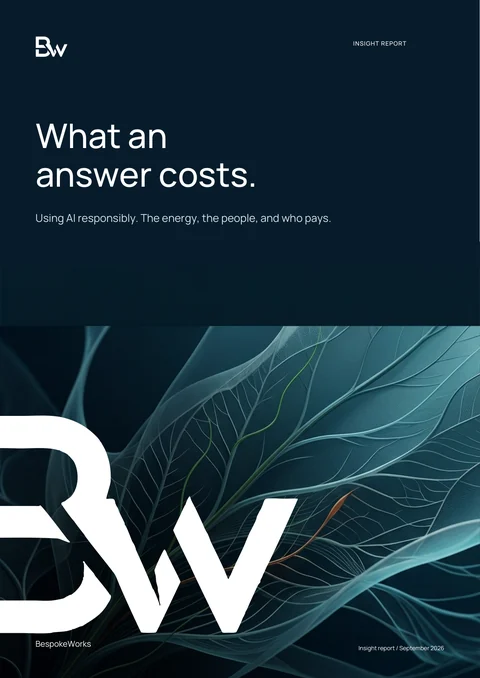
Insight report · September 2026
What an answer costs
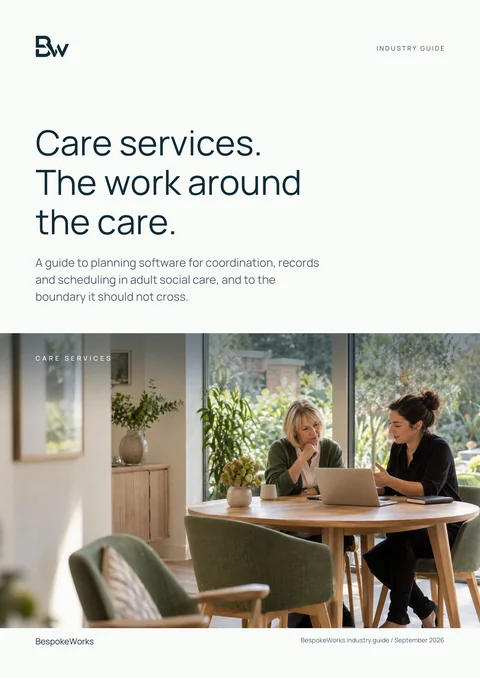
Industry guide · September 2026
Care services
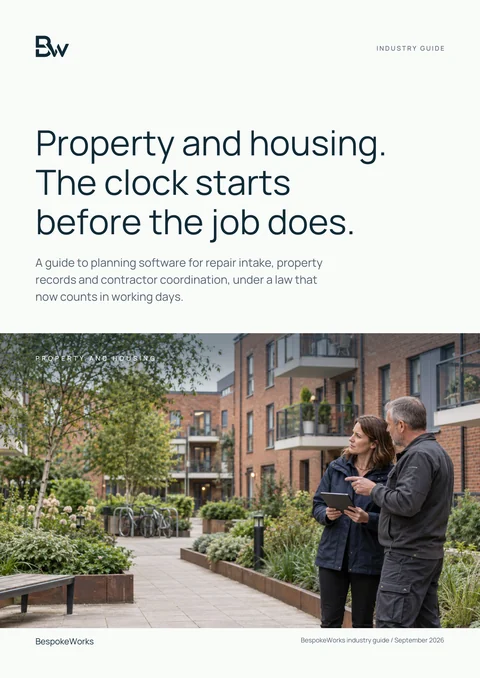
Industry guide · September 2026
Property and housing
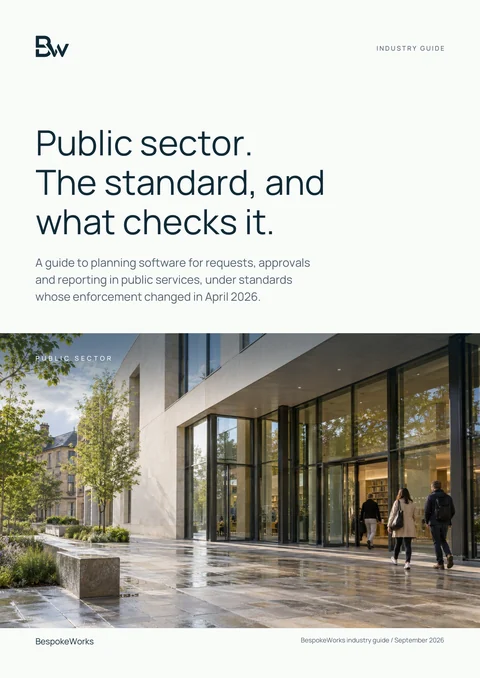
Industry guide · September 2026
Public sector
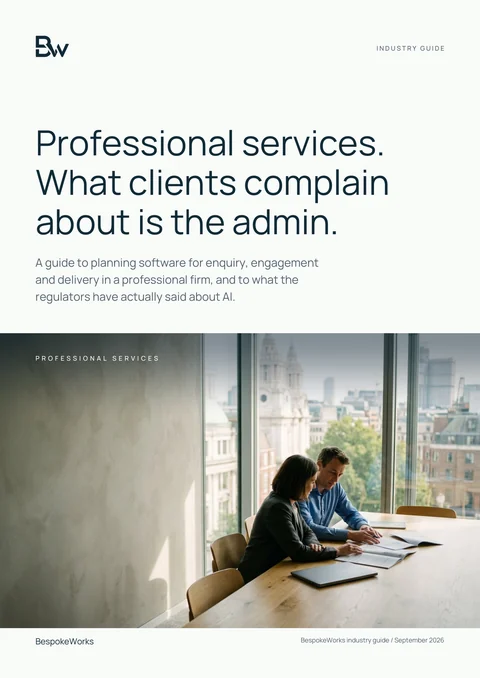
Industry guide · September 2026
Professional services
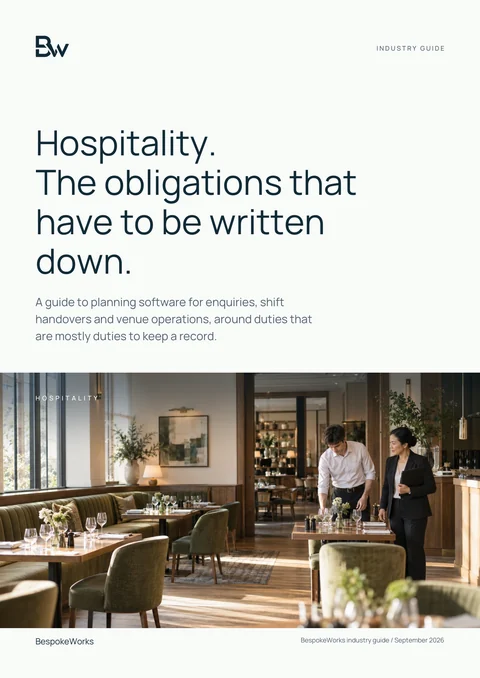
Industry guide · September 2026
Hospitality
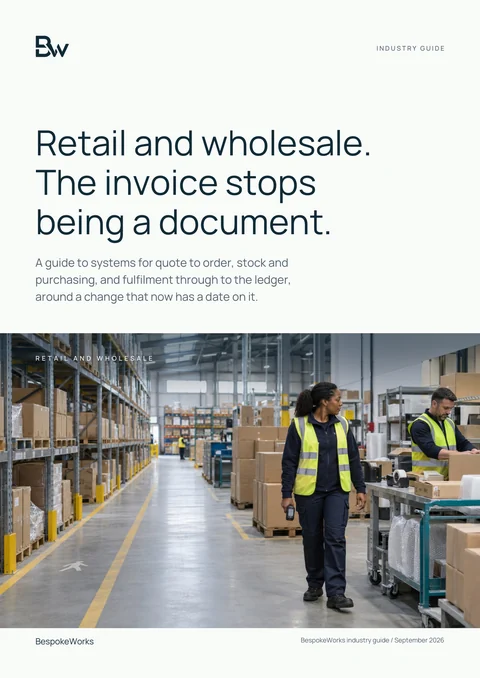
Industry guide · September 2026
Retail and wholesale
Brief · September 2026
What never goes in the prompt
Brief · August 2026
Taking over a system
Brief · July 2026
Before you sign
Brief · June 2026
Cyber security for small organisations
Service guide · In preparation
Bespoke software: a practical guide to getting it right
Worked examples
Demonstrators in practice
Working demos built on sample data. They show the approach, not client results.
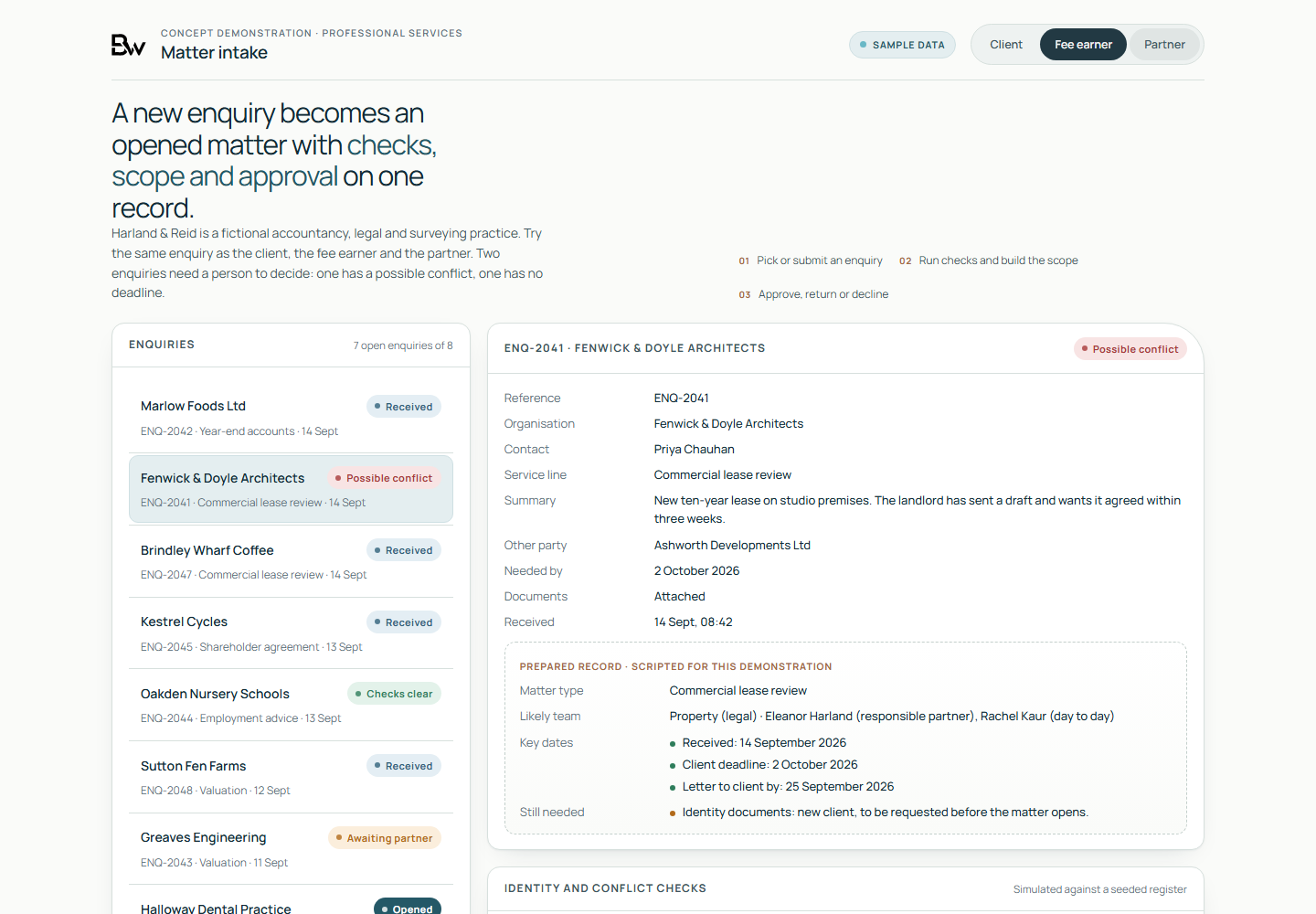
Demo · Client intake and engagement
Matter Intake
A new enquiry is checked, scoped, priced and approved on one record seen by the client, the fee earner and the partner.
Try Matter Intake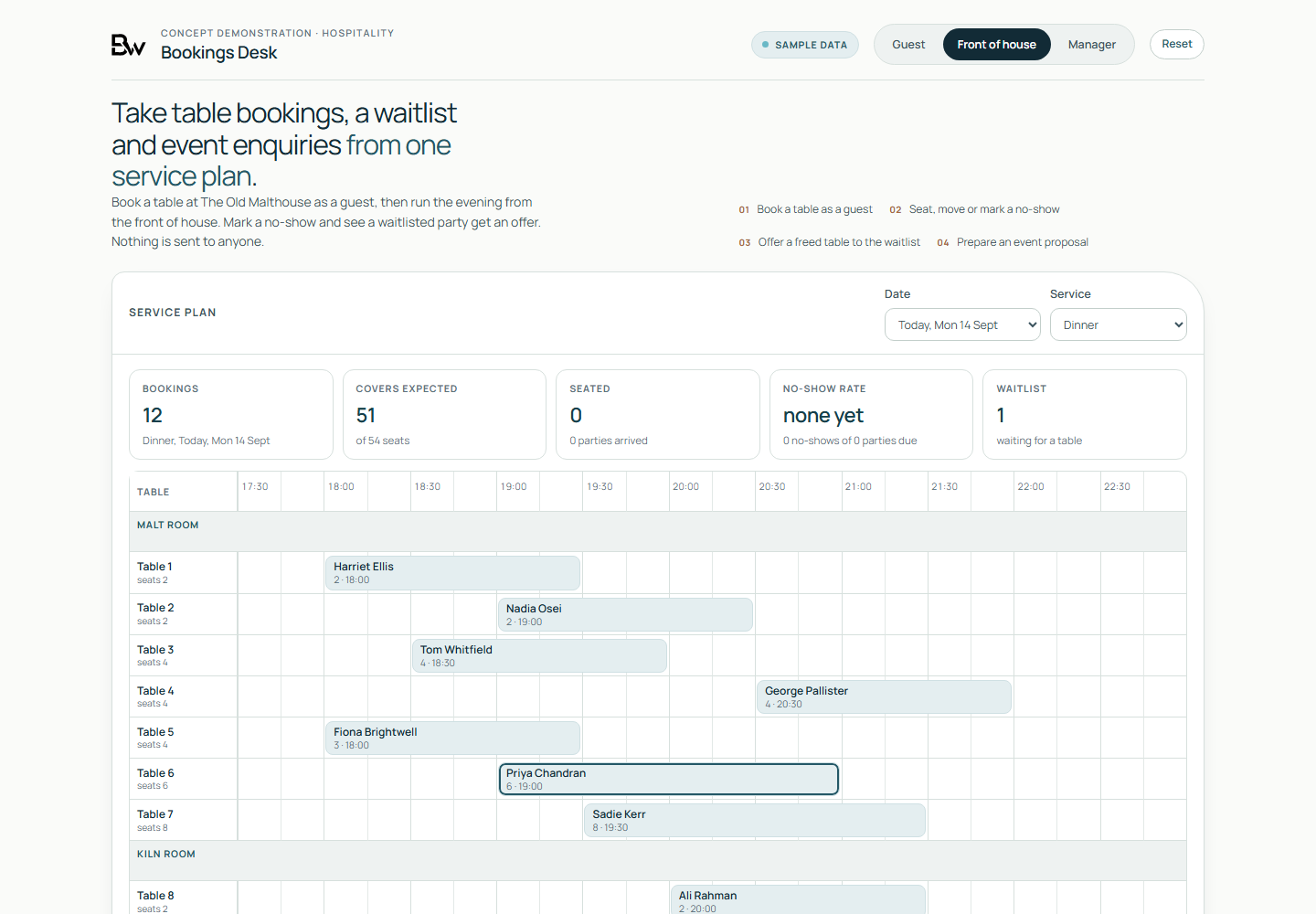
Demo · Reservations and service
Bookings Desk
A fictional restaurant takes table bookings, keeps a waitlist and records event enquiries from one service plan.
Try Bookings Desk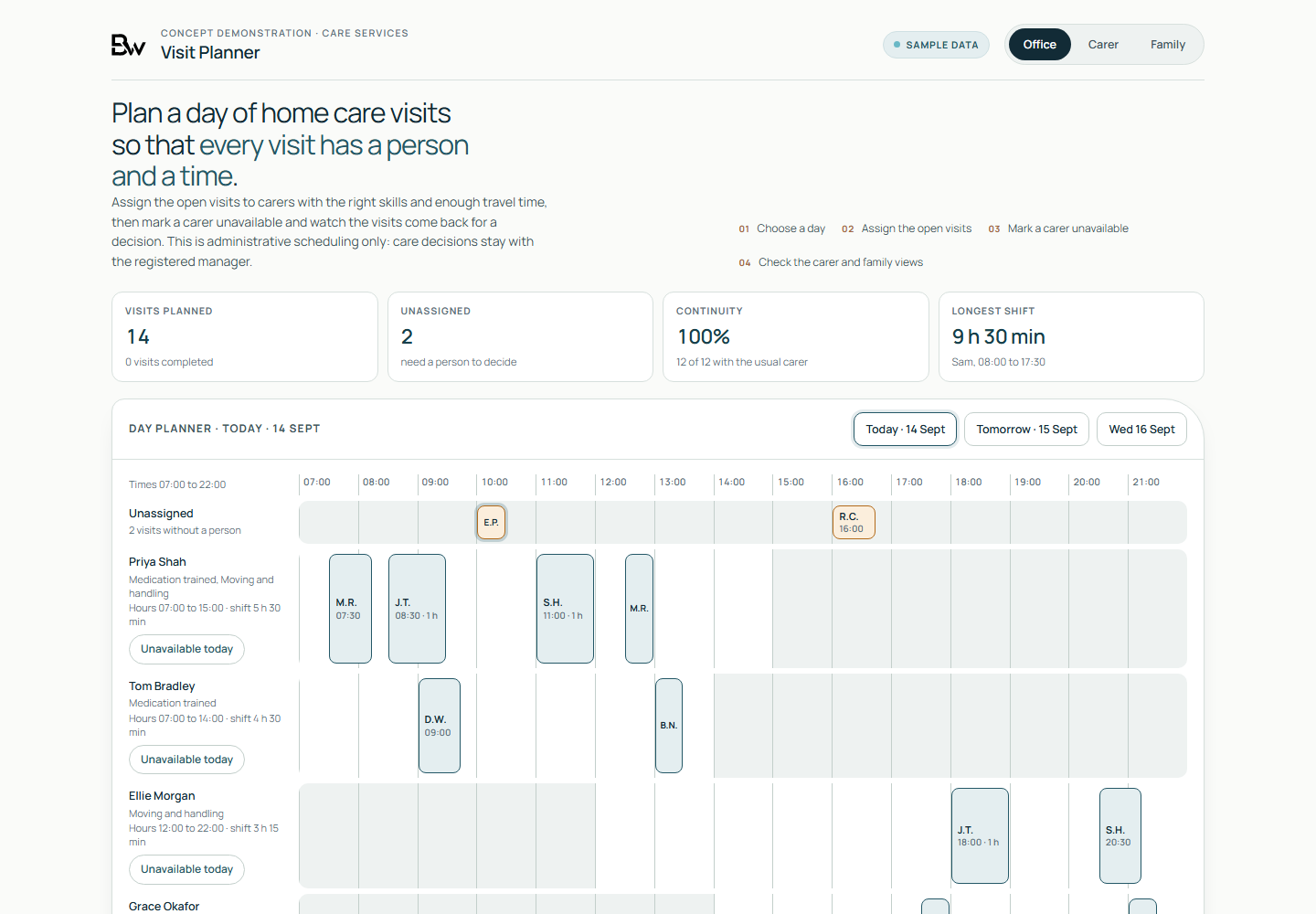
Demo · Home care scheduling
Visit Planner
The office assigns home care visits to carers with the right skills, enough travel time and a sensible shift, keeping the usual carer where it can.
Try Visit PlannerRelated insights
Related research

AI outlook · September 2026
What an answer costs
An evidence review of four common beliefs about AI, and what the published figures actually show.
Read the summary
Trust and oversight · September 2026
When can you trust AI?
What the evidence says about AI errors, and the checks that let an organisation rely on an AI-assisted result.
Read the report
AI outlook · September 2026
What comes next for AI?
What has changed, what has not changed yet, and the decisions that hold up whichever way AI develops.
Read the report