
Free demo
Working demo
A designed product journey on sample data: change the layout and materials, and watch the scene and the estimate follow
Open the Product configurator demoRead more
Ten working demonstrators, designed and built by the same team
See our workRead more
What we will not claim about a design, and what we hand over at the end
Read our principlesAn identity is tested by the pages nobody designed.
What we do
Design the system, not just the logo.
A logo arrives as a file, the website is built by someone else, the deck is made in a hurry and the emails follow no rule at all. Within a year the organisation has four versions of itself, and every new page starts an argument about type, colour and tone that nobody has the authority to settle.
We start from what the business needs people to understand, then build one system that answers it: the mark, the type, the colour, the layout, the words and the interface components, each specified so a new page can be made without a designer.
We design the journeys that matter as working screens, check them for contrast, keyboard use and small screens against WCAG 2.2 AA, and hand over editable files, the licences behind every font and image, and guidance your team can follow.
We also build software, so where a design becomes a build the same people carry it through, and where you would rather your own developers built it, the components are yours to take.
From the first decision to the last template
Commission the whole programme or the part you are missing. Each one ends in something your team can use without us.
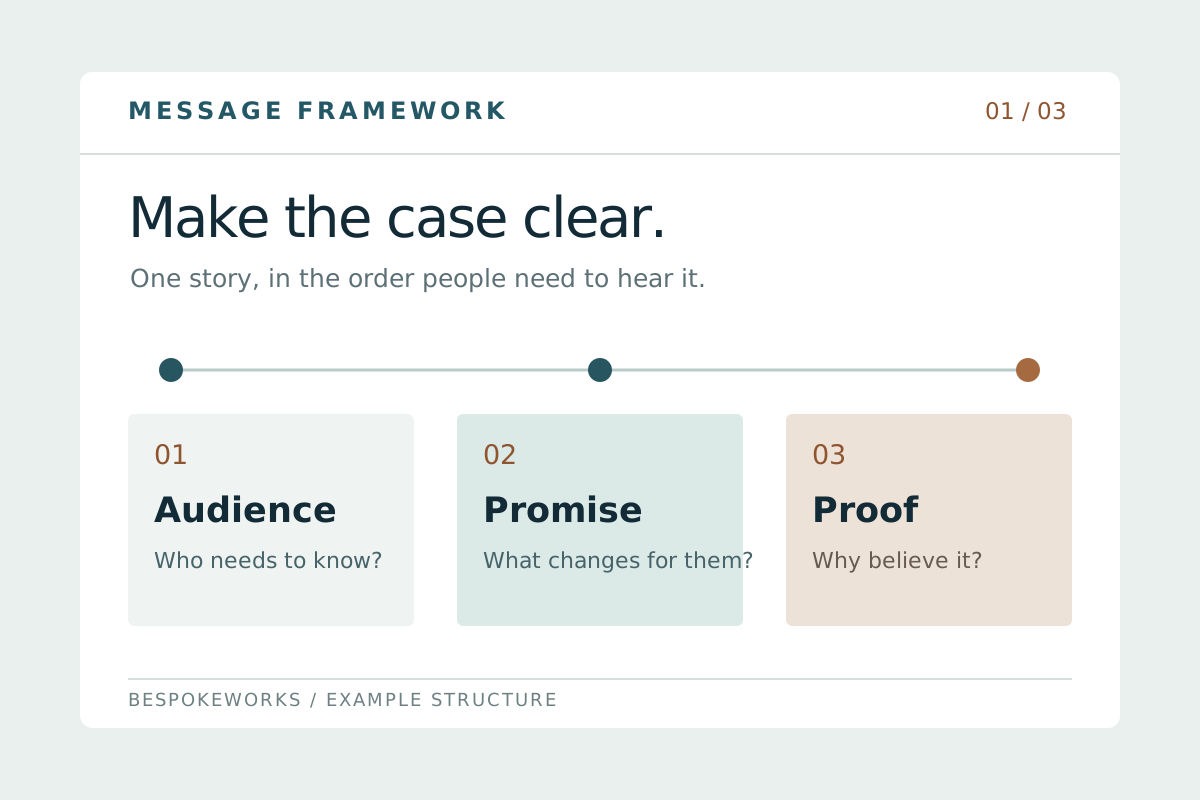
Positioning and messaging
Agree who the organisation is for, what it offers and what it wants understood first. The discussion becomes a brief the design is judged against, so review is about the criteria rather than taste.
Includes
- Audience priorities, and what each one needs to understand first
- A message hierarchy: the opening sentence, the supporting points and the proof behind them
- Words to use and words to avoid, with the reason for each
- The criteria every design decision is reviewed against
- A written brief both sides agree before design starts

Logo and visual identity
Create or refine the mark, type, colour, layout and image direction as one system, and specify how each behaves at the sizes and in the places people actually meet it.
Includes
- A primary mark with the sizes, clear space and backgrounds it may be used on
- A type scale with weights, line lengths and the smallest size that stays legible
- A colour set with the contrast ratio each pair passes
- Layout principles: the grid, the spacing steps and how a page is composed
- Image direction, including what the identity does not do
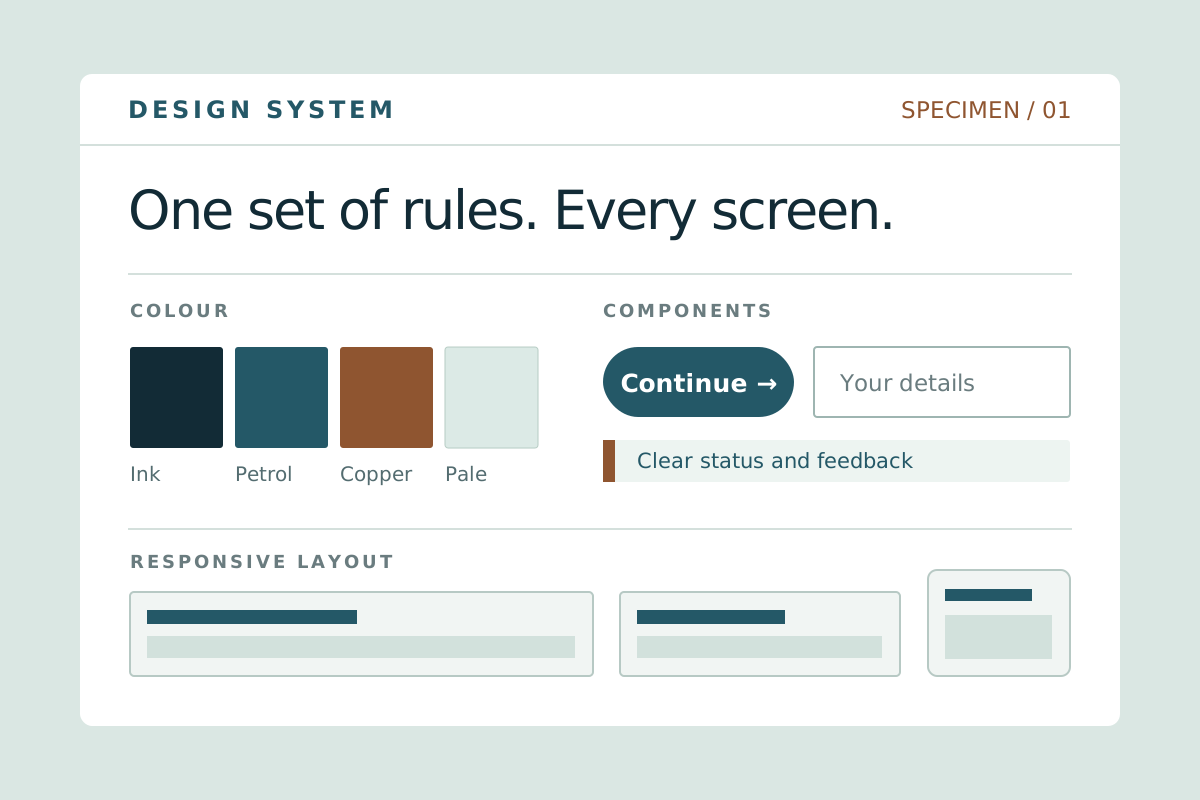
A design system your developers can build from
Turn the identity into named tokens and components with their states, so the same button, field and table behave the same way on every page and nobody rebuilds them from a picture.
Includes
- Colour, type and spacing as named tokens
- Components with their hover, focus, error, empty and loading states
- Responsive behaviour from a wide screen down to a phone
- Accessibility built into each component against WCAG 2.2 AA, rather than added later
- One component reference your developers and ours both work from
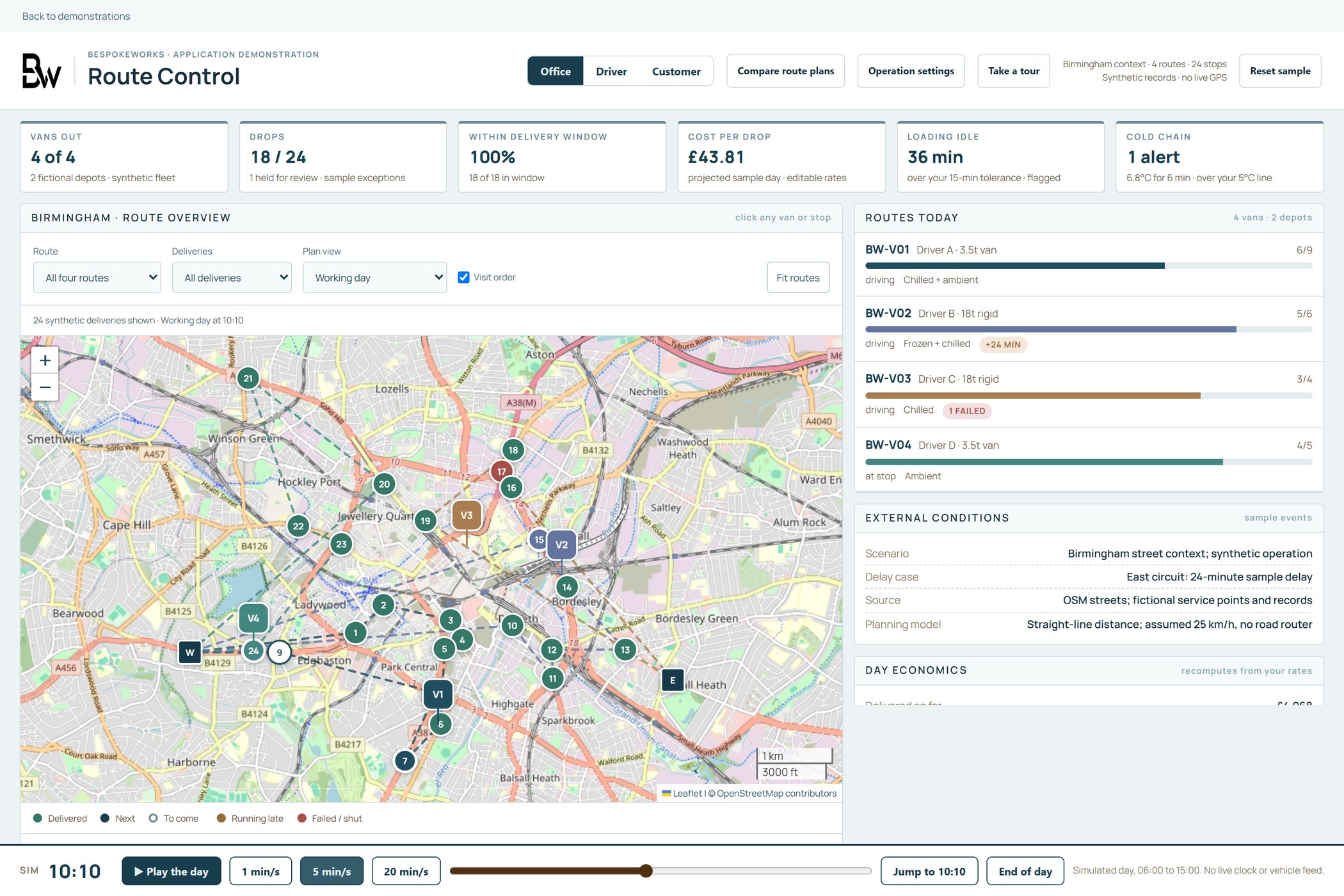
Website and product design
Design the journeys that carry the work: what a customer or a member of staff sees, in what order, and what happens when something is missing. Prototype the hard parts before anyone builds them.
Includes
- Page structure and navigation for the journeys that matter most
- Working screens for the main task, its exceptions and its empty states
- A clickable prototype of the hardest journey
- Contrast, keyboard and screen-reader checks against WCAG 2.2 AA
- Designs handed to development as components, not flat pictures
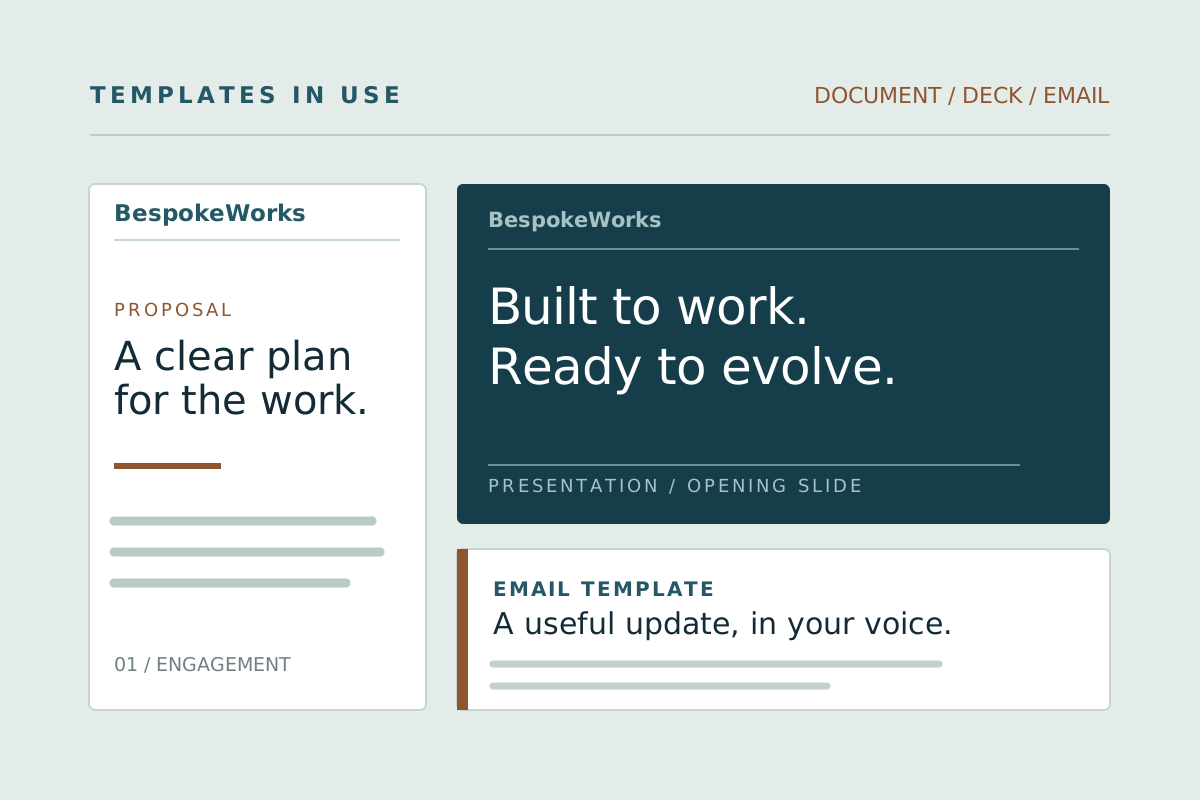
Templates your team will actually use
Apply the identity to the documents, decks, proposals and posts your team produces every week, in the software they already have, so the standard holds without a designer in the loop.
Includes
- Document and proposal templates in the software your team already uses
- A deck template with the layouts people need, not only a title slide
- Social and email templates sized for each place they appear
- A one-page guide covering the decisions people actually face
- A short working session so the team can use them from the first day
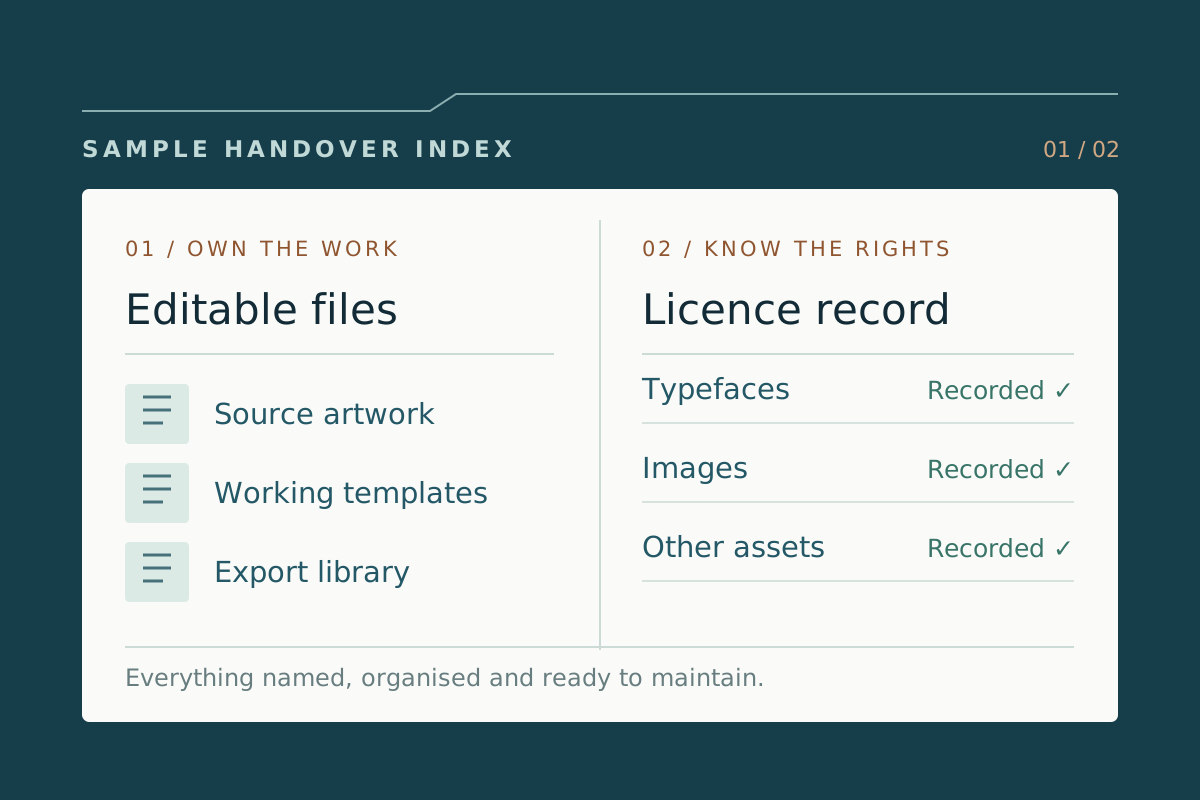
Handover, files and licences
Leave the organisation owning the work: editable sources, the exports your team and suppliers ask for, and a record of every font, image and asset licence the identity depends on.
Includes
- Editable source files, organised and named
- Exports in the formats your team and your suppliers ask for
- A licence record for every font and image, with what each licence allows
- Guidance written for the people who will maintain it
- A walk-through with the team taking it on
What you get
What you can do once it is in place
- Anyone in your team can produce a new page, deck or document that looks like the organisation, without waiting for a designer.
- Every journey that matters exists as a design your developers can build from, checked for contrast, keyboard use and small screens.
- You hold the editable files, the components and a licence record for every font and image the identity depends on.
One system
One foundation, three applications
Our own identity, shown where it has to work: a website, a publication and a product interface. Each is drawn from the same tokens, so a new page inherits the standard instead of reinventing it.
The shared foundation

Clear thinking.
Useful technology.
Useful technology.
IdentityLanguageDesign system
What we doA digital presence
Built around your business.How we workA useful perspective
The next useful move.BespokeWorks guideA product experience
Your workspaceProject briefReady for review
Design directionIn progress
Open projectIllustrative BespokeWorks applications, not client work.
How it runs
From brief to handover
- 01
Understand the business
Go through the audience, the offer, the ambitions and the materials you already have. Agree what is working, what has to change and which journeys the design must carry.
- 02
Agree the brief
Write down the messages, the criteria and the applications in scope. Everything after this is reviewed against the brief rather than against taste.
- 03
Show the direction in context
Develop distinct directions and show each one where it will live: a landing page, a product screen and a document. Compare them against the brief and choose together.
- 04
Resolve the system
Settle the mark, the type, the colour and the components, prototype the hardest journey, and check contrast, keyboard use and small screens before anything is built.
- 05
Build and hand over
Carry the approved design into the build, or hand it to your own developers as components. Deliver the editable files, the templates, the licence record and a session with the team that will maintain it.
Try
Open the demo.
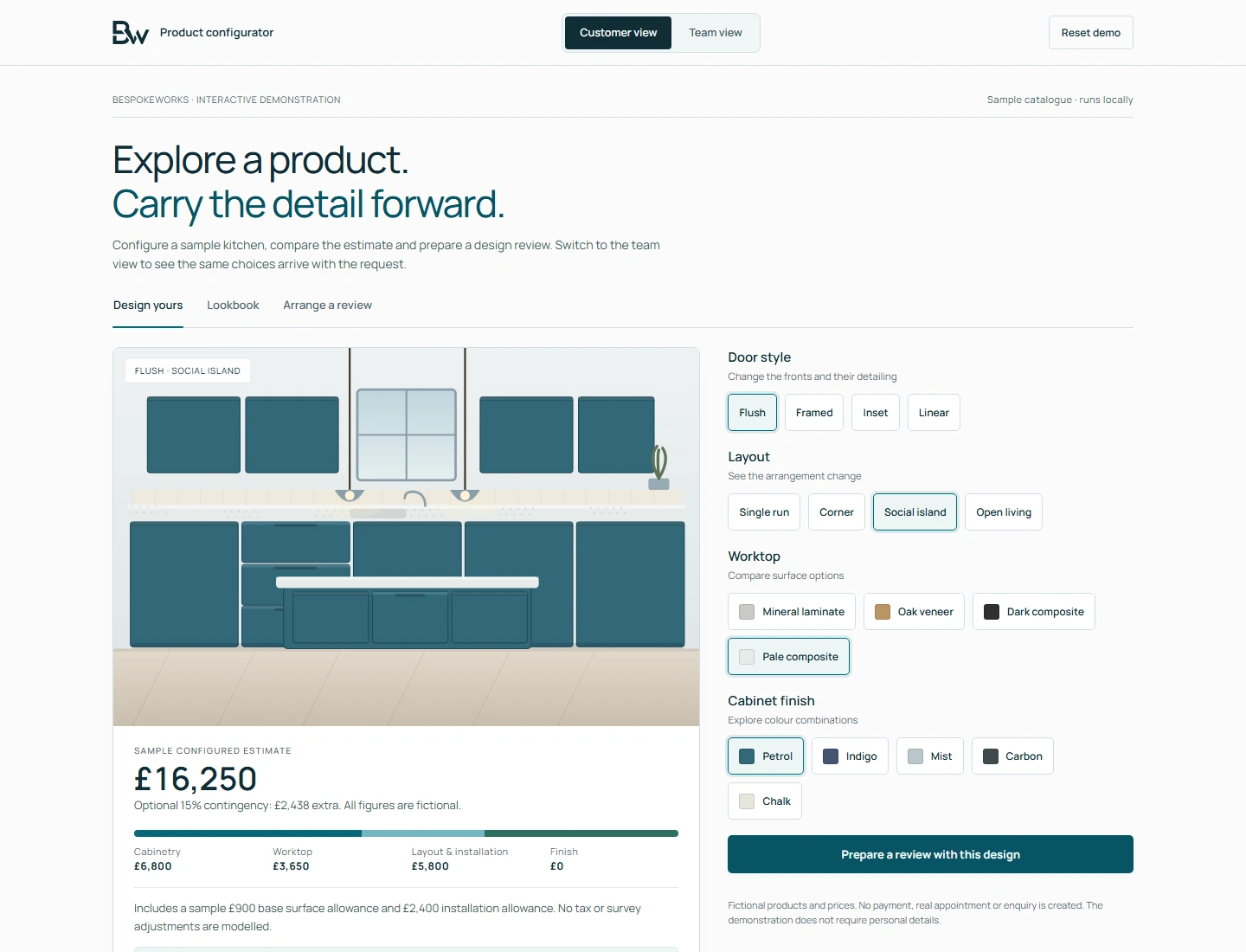
Working demo, on sample data
- A sample kitchen laid out, with the visual scene and the estimate responding as the layout and materials change.
- The same choices carried into a team workspace, so the design and the record behind it stay in step.
- Sample options and illustrative values throughout. No order, booking or enquiry is sent.
Worth asking first
- Who needs to understand this organisation, and what should they understand first?
- Which journeys do your customers and your staff use most, and who designed them?
- When somebody needs a new page or deck tomorrow, what do they copy?
- Who holds the editable files and the font licences today?
- What would have to be true for your team to stop asking a designer for small changes?
Talk to us if
- You are starting something new and need the identity and the first product together.
- The logo is fine, but every page, deck and document looks like a different company.
- A developer is waiting on designs, and what exists is a set of flat pictures.
- Your website was designed around services you no longer sell.
- Nobody can say which fonts you are licensed to use, or where the editable files are.
- An accessibility requirement has arrived and the current design cannot meet it.
Questions
Questions buyers ask
Can you work with the identity we already have?
Yes. We work inside it, and we say plainly where it will not hold: contrast that fails, a type scale with no usable small sizes, or a mark that disappears at app-icon size. Changing an identity is a separate decision from using the one you have well.
Do you design without building?
Yes. The designs and components are yours to take to your own developers or another supplier. Where a build with us would follow, the proposal prices it separately so the two decisions stay apart.
Who owns the work at the end?
You do, on the terms in the agreement, including the editable sources. Fonts and stock images are licensed rather than owned, so we record each licence, what it allows and what extending it would involve, and nothing in the identity depends on a licence you cannot renew.
Do you do naming?
Not as a service on its own. We will test a name you are considering against the positioning and say where it would cause problems, in search, in speech or in another market.
How do you handle accessibility?
We design to WCAG 2.2 AA: contrast is checked when the colours are specified, components carry their focus and error states, and the prototype is used with a keyboard before sign-off. A formal audit by an accredited tester is a separate exercise, and we say when a project needs one.
Do we get brand guidelines as a document?
Yes, though most teams get more from a short written guide plus the components themselves. We agree the format before delivery, and the guidance covers the decisions people actually face rather than every rule we could write.
Your team should be able to make the next page without asking.
Show us one page, deck or screen that people in your organisation copy today, and we will show you what a system would change about it.
Discuss a design project